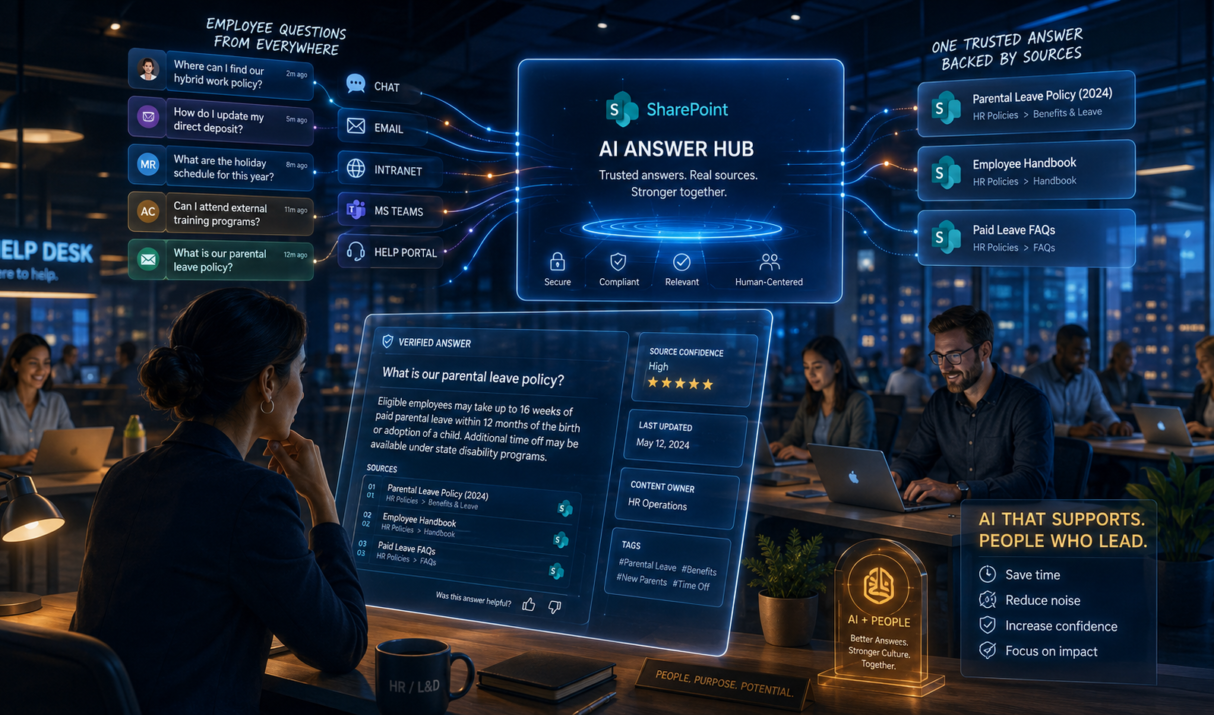

You answer the same question for the fifth time this week. Someone asks where the onboarding checklist lives, another person needs the latest travel policy, and a manager wants the correct training request process. The answers exist, but they are scattered across SharePoint folders, old emails, and "I think this is the right file" messages.
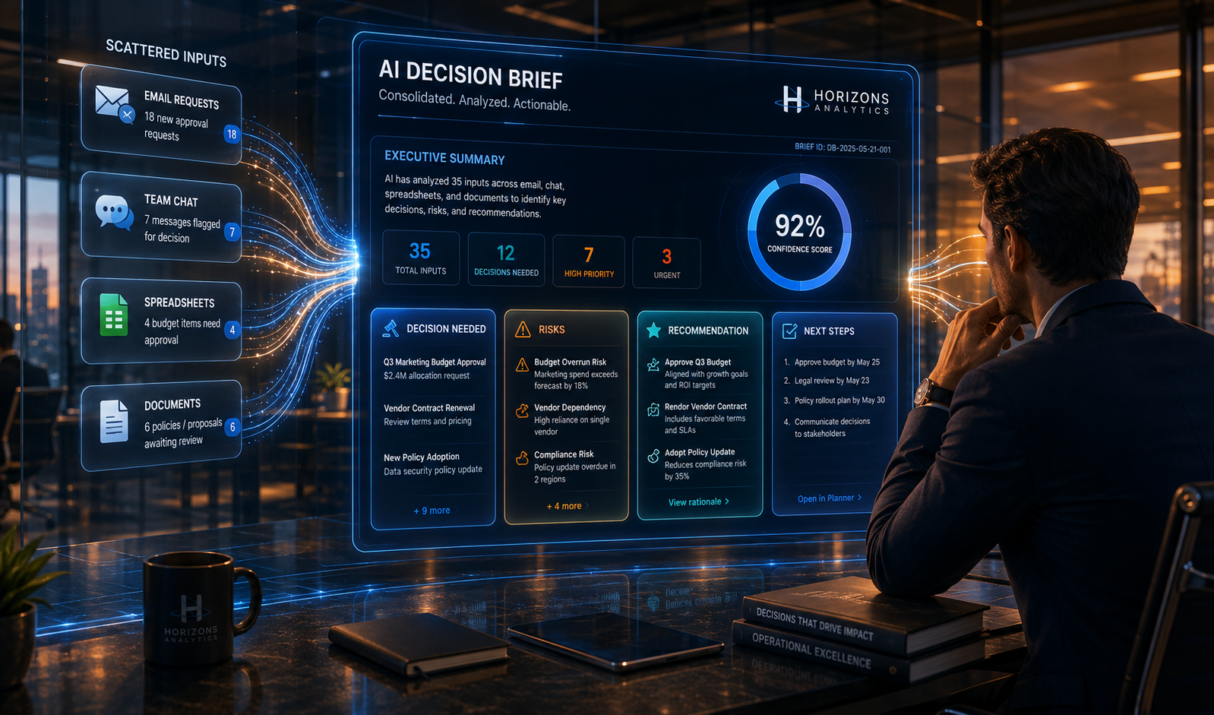
You open Outlook and see the same decision request in three places. One person sent the budget question by email, another added context in Teams, and a manager dropped a spreadsheet link with no explanation. Now you are trying to figure out what is being requested, who needs to approve it, and what the actual decision is. By the end of this article, you will know how to use AI to turn messy approval requests into clean, decision-ready briefs your team can act on faster.
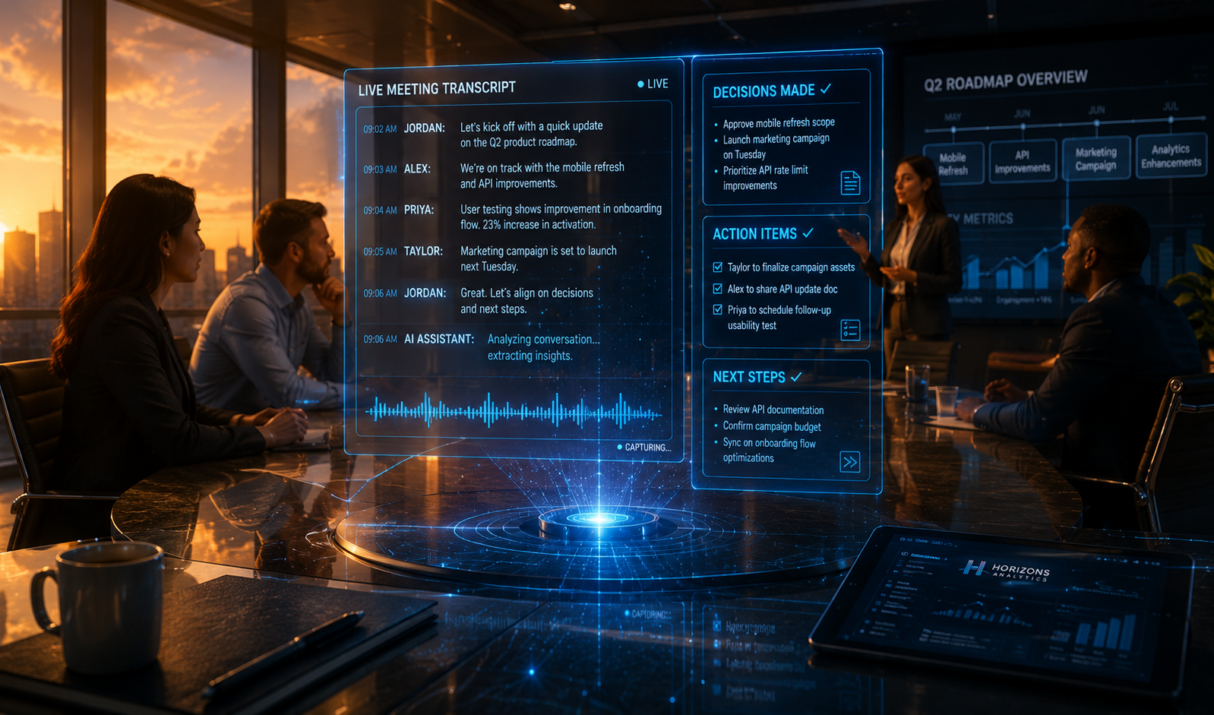
It's Tuesday afternoon and your team just wrapped a 45-minute strategy meeting. Three decisions were made, two people were assigned action items, and one critical deadline was agreed on but by Thursday morning, two teammates remember it differently, one person didn't know they had an action item, and the deadline is already slipping. Sound familiar? This week, you're going to learn how to make AI attend every meeting with you, capturing every decision, every action item, and every key insight automatically so nothing ever falls through the cracks again.
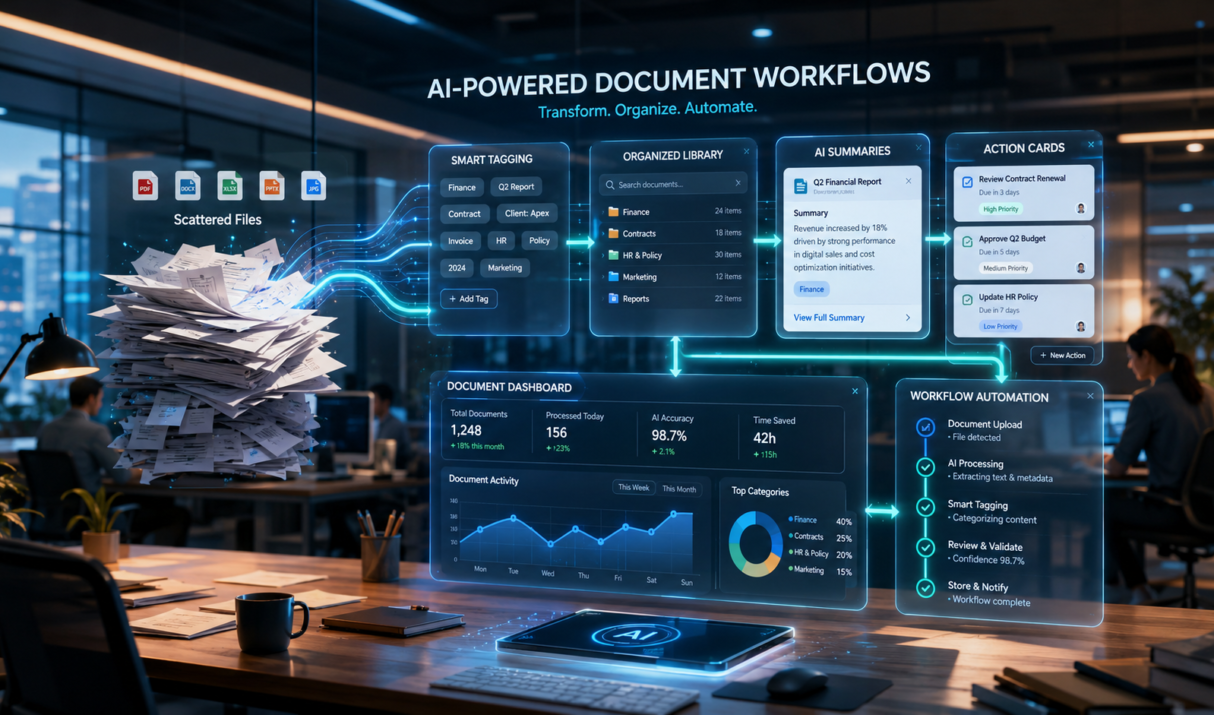
Most teams are not short on information. They are drowning in scattered files, duplicated notes, and documents nobody can find when they actually need them.
This week's workflow focuses on a growing trend in business automation, using AI to organize, summarize, and route documents automatically so teams spend less time searching and more time acting.
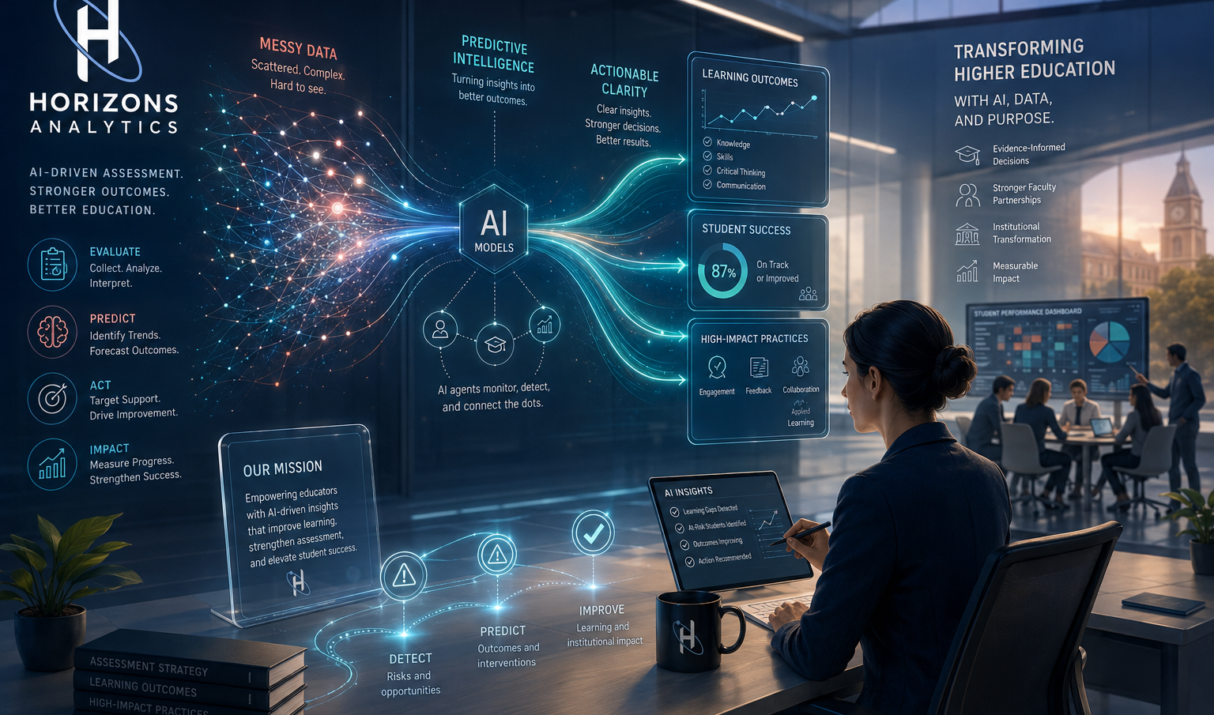
Most automation today reacts after something happens. A form is submitted. A ticket arrives. A task is overdue. A growing shift in business automation is moving from reactive workflows to proactive AI monitoring. Instead of waiting for problems, lightweight AI agents can watch signals, detect risks, and trigger alerts before work slips.
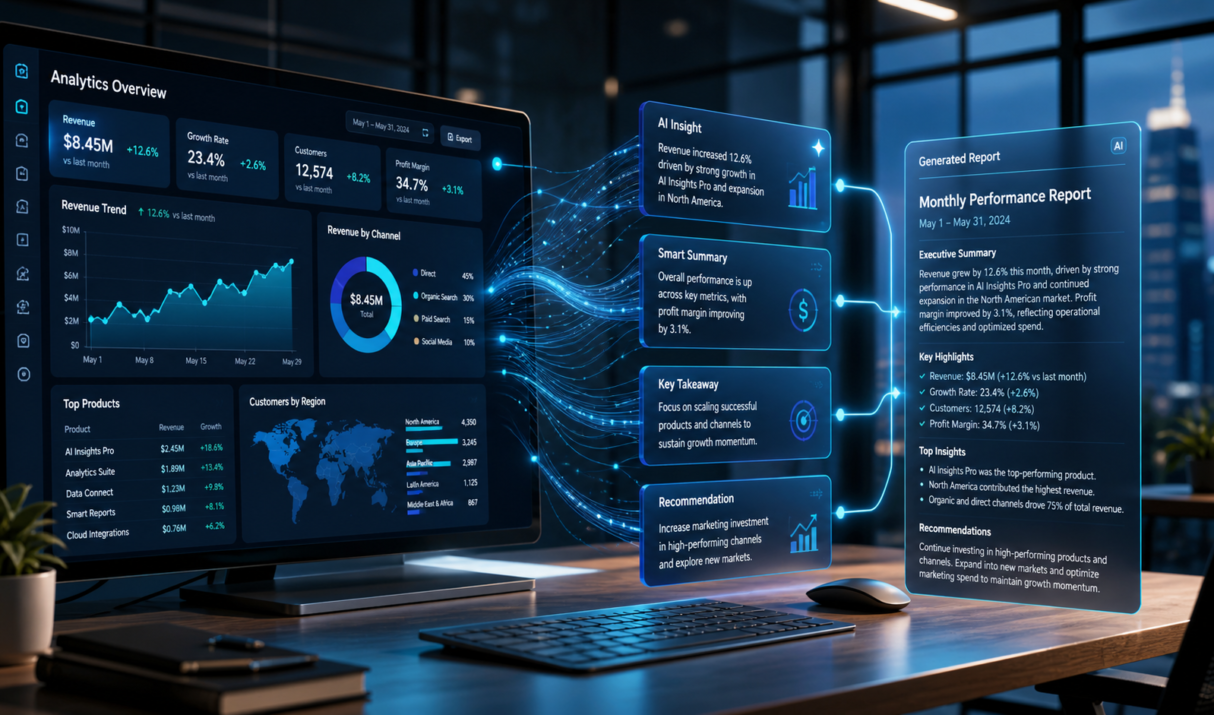
Weekly reports often start with good intentions and end with copy-paste fatigue. Data lives in dashboards, but the story still depends on someone stitching it together. This week is about closing that gap using AI to turn raw data into clear, consistent narratives your team can act on.
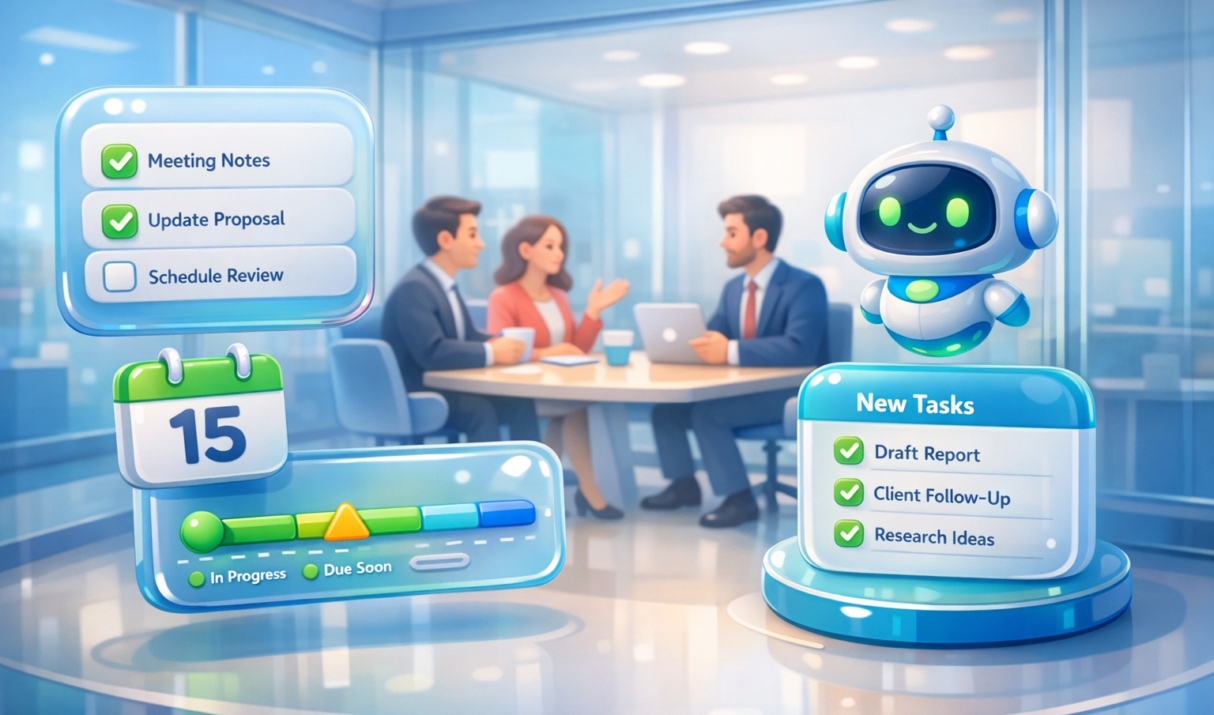
Meetings are full of decisions, ideas, and commitments. Then everyone leaves, and… nothing happens. Notes get lost, tasks are unclear, and follow-ups depend on memory. This week’s workflow changes that. You’ll use AI meeting agents to automatically capture, structure, and route action items so work keeps moving after the call ends.
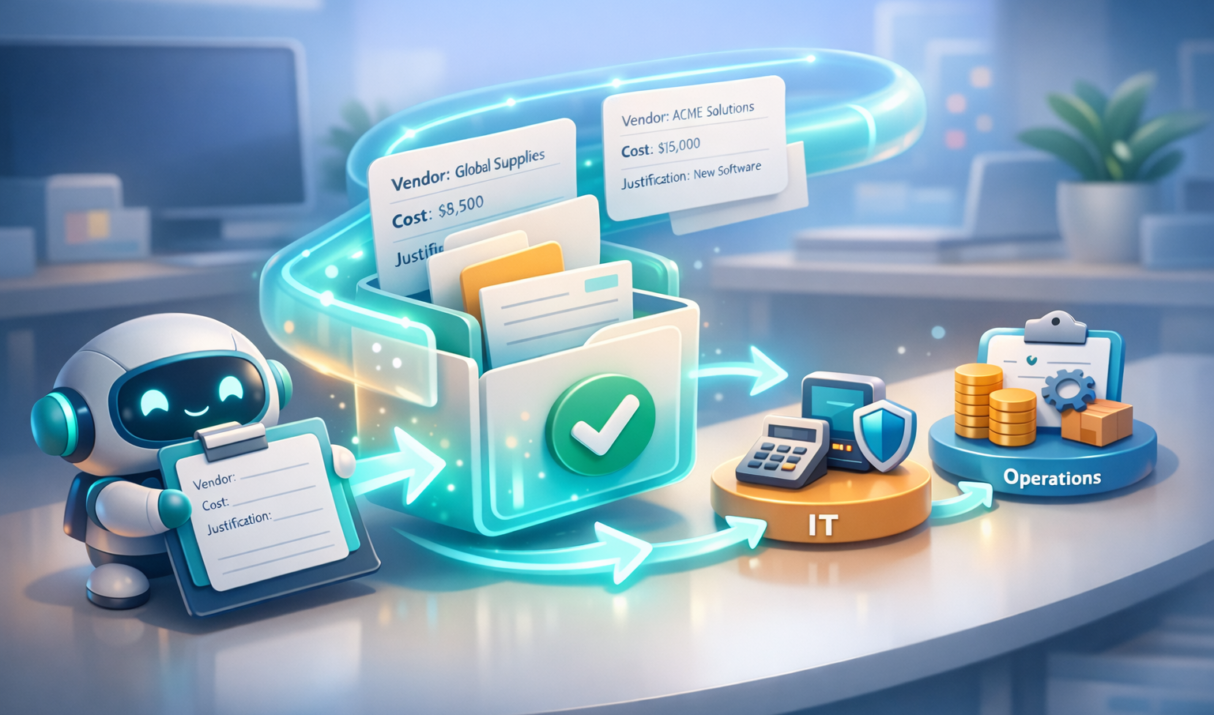
Approvals are where good work goes to… wait. Someone submits a request, it lands in the wrong inbox, details are missing, and the whole thing turns into a detective story. This week’s automation pattern is simple and powerful: create an AI intake agent that collects the right info, classifies the request, and routes it to…...
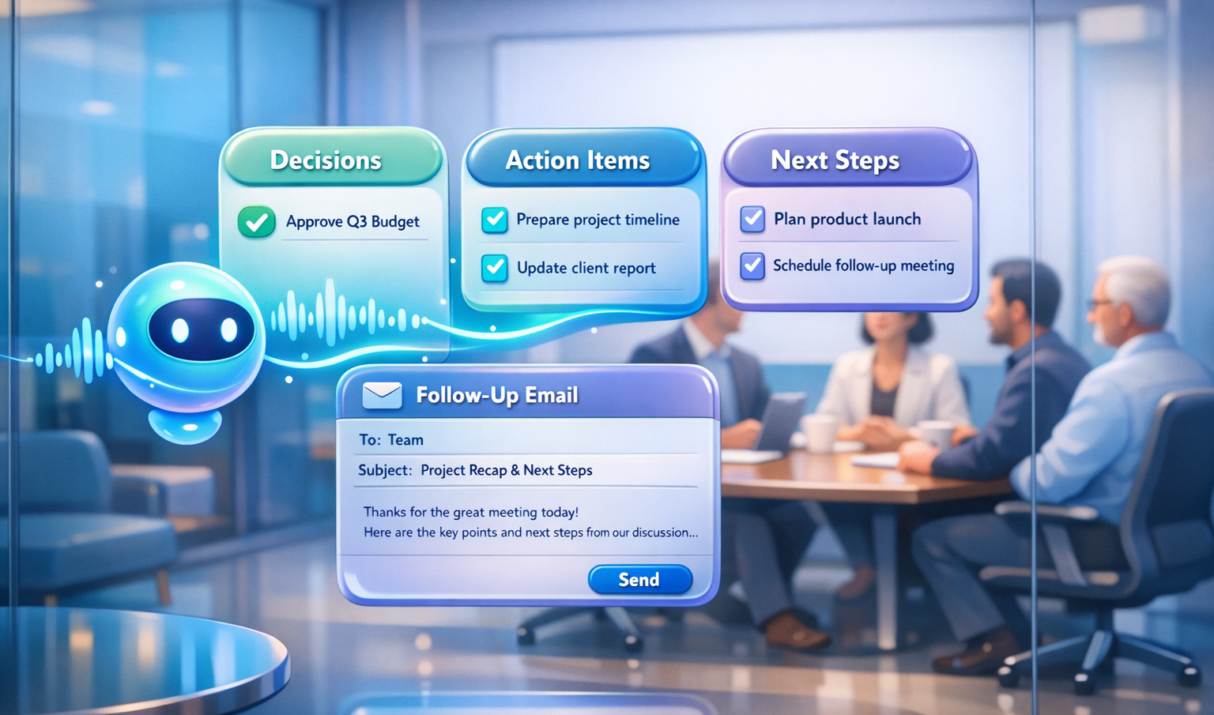
Many teams leave meetings with good intentions and messy notes. The real work begins afterward when someone has to remember decisions, write summaries, and track tasks. AI meeting assistants change that pattern. Instead of manual note‑taking, the system captures the discussion, summarizes it, and generates action items automatically. Many modern tools now transcribe meetings and extract follow‑up tasks directly from conversations
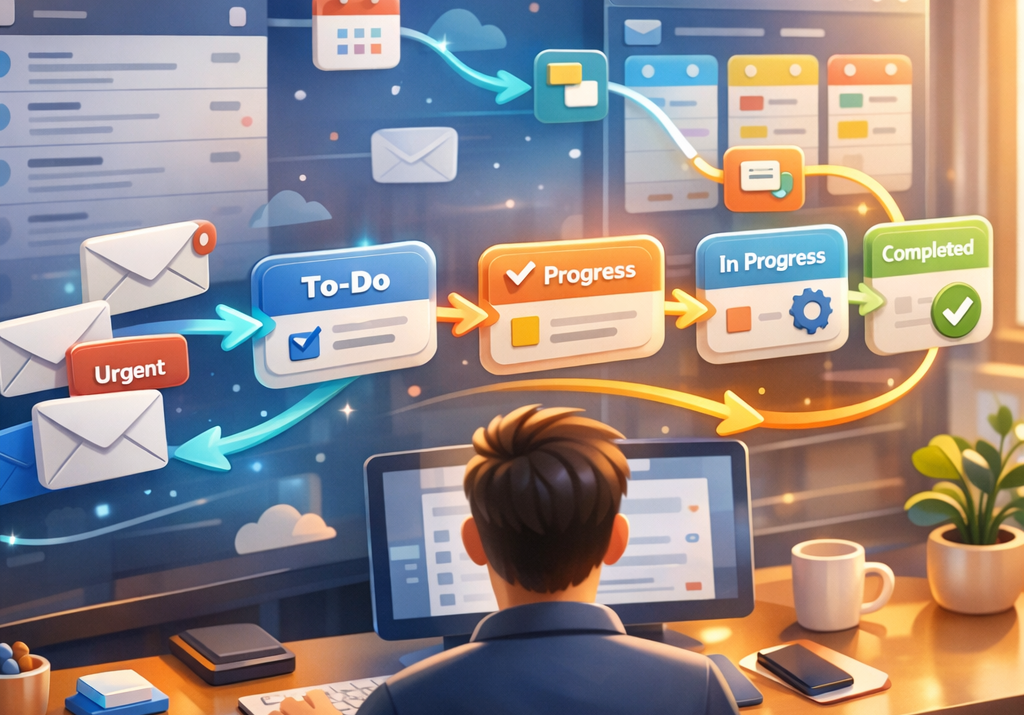
Your inbox probably feels like a never‑ending conveyor belt of requests, updates, and questions. The trick isn’t replying faster. It’s turning incoming messages into automated actions so work moves forward without constant manual sorting.

Slide decks still eat hours every week. Status updates, initiative summaries, board briefs. This week you will learn how to turn raw notes and scattered updates into polished, executive-ready presentations using AI so your time goes into thinking, not formatting.

Your team doesn’t need more documents. They need answers. This week’s workflow shows how to turn your internal knowledge into an AI assistant that responds instantly, so employees stop searching and start executing.